iOS SSH Client
Modern SSH
Terminal for
Professionals
Manage your servers, connect securely, browse remote files, and enhance your workflow with built-in AI assistance — all from your iPhone.
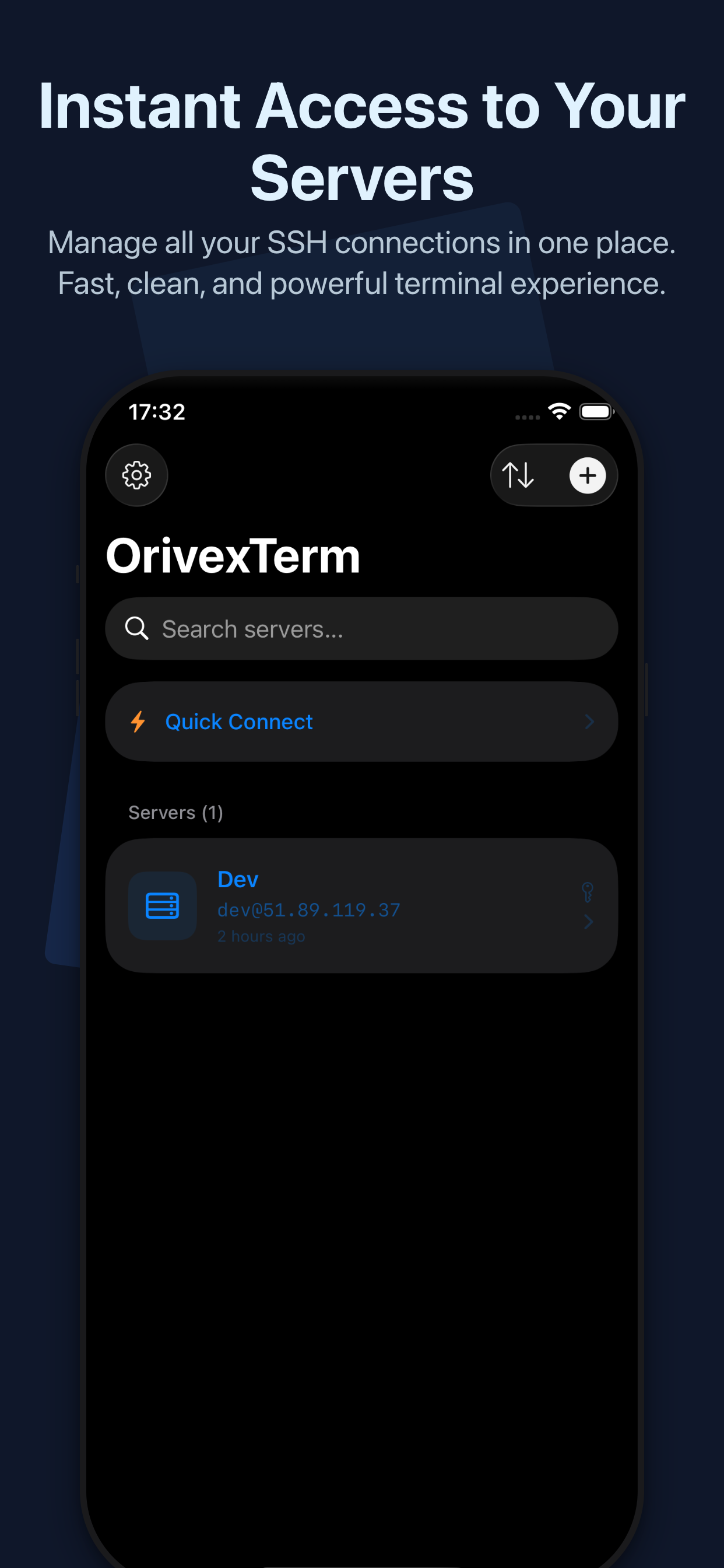
Manage your servers, connect securely, browse remote files, and enhance your workflow with built-in AI assistance — all from your iPhone.
App Screenshots
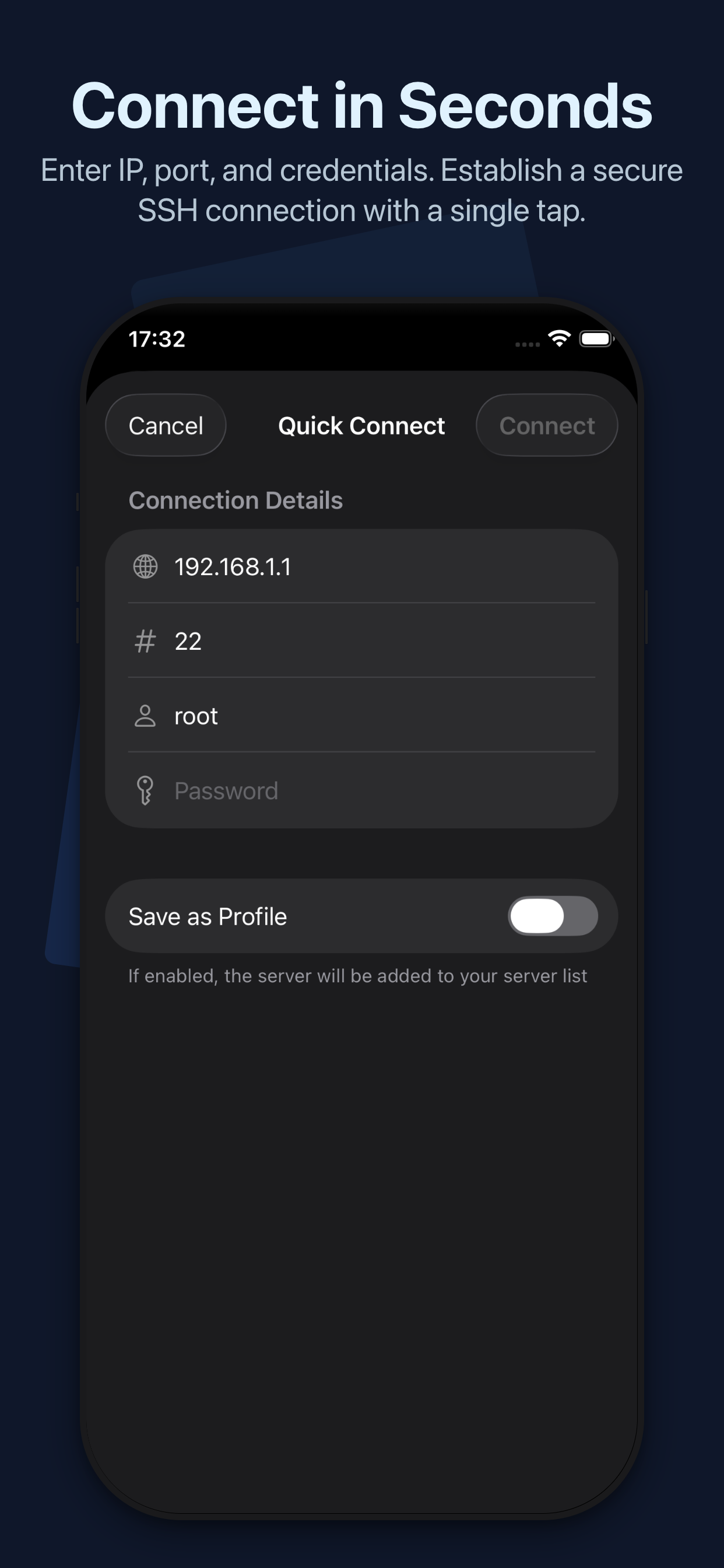 Quick Connect
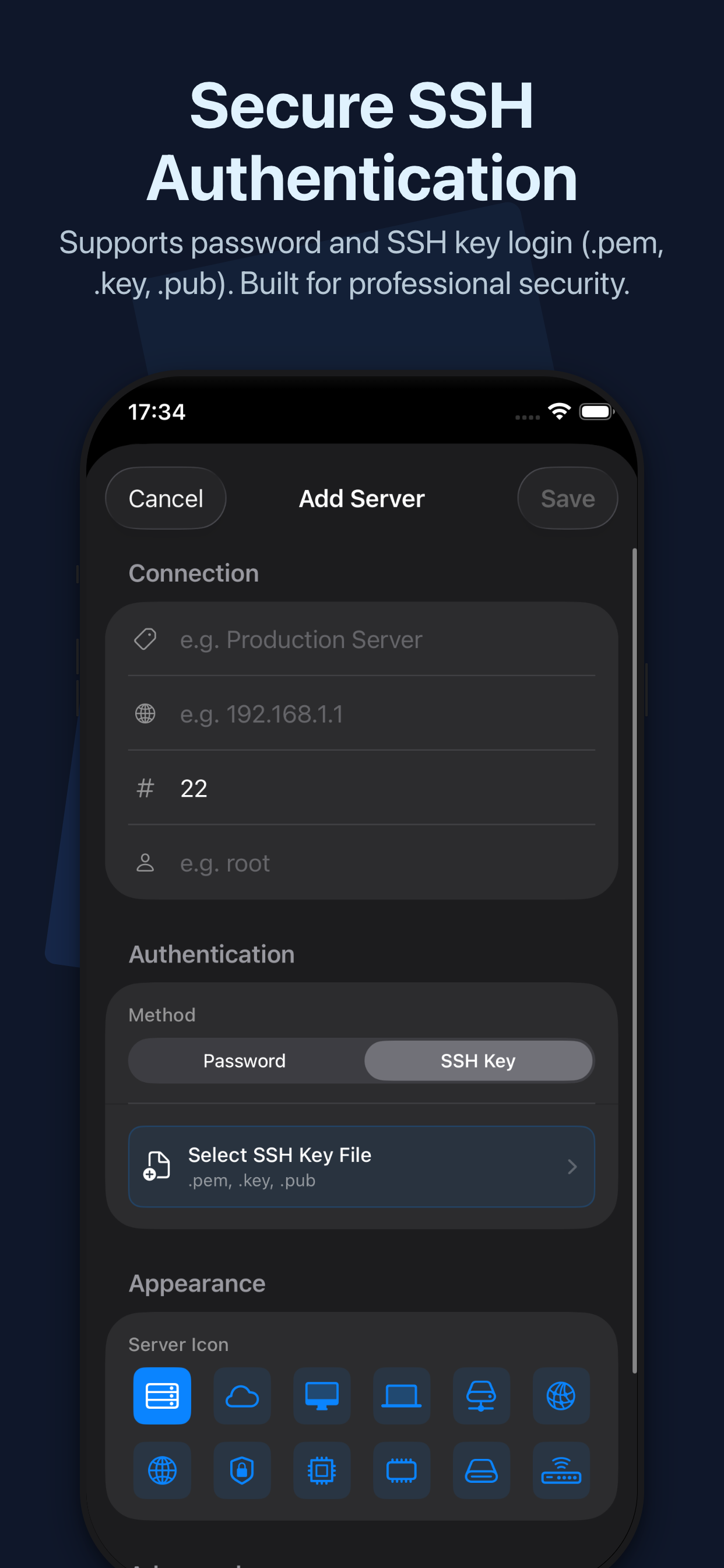 SSH Keys
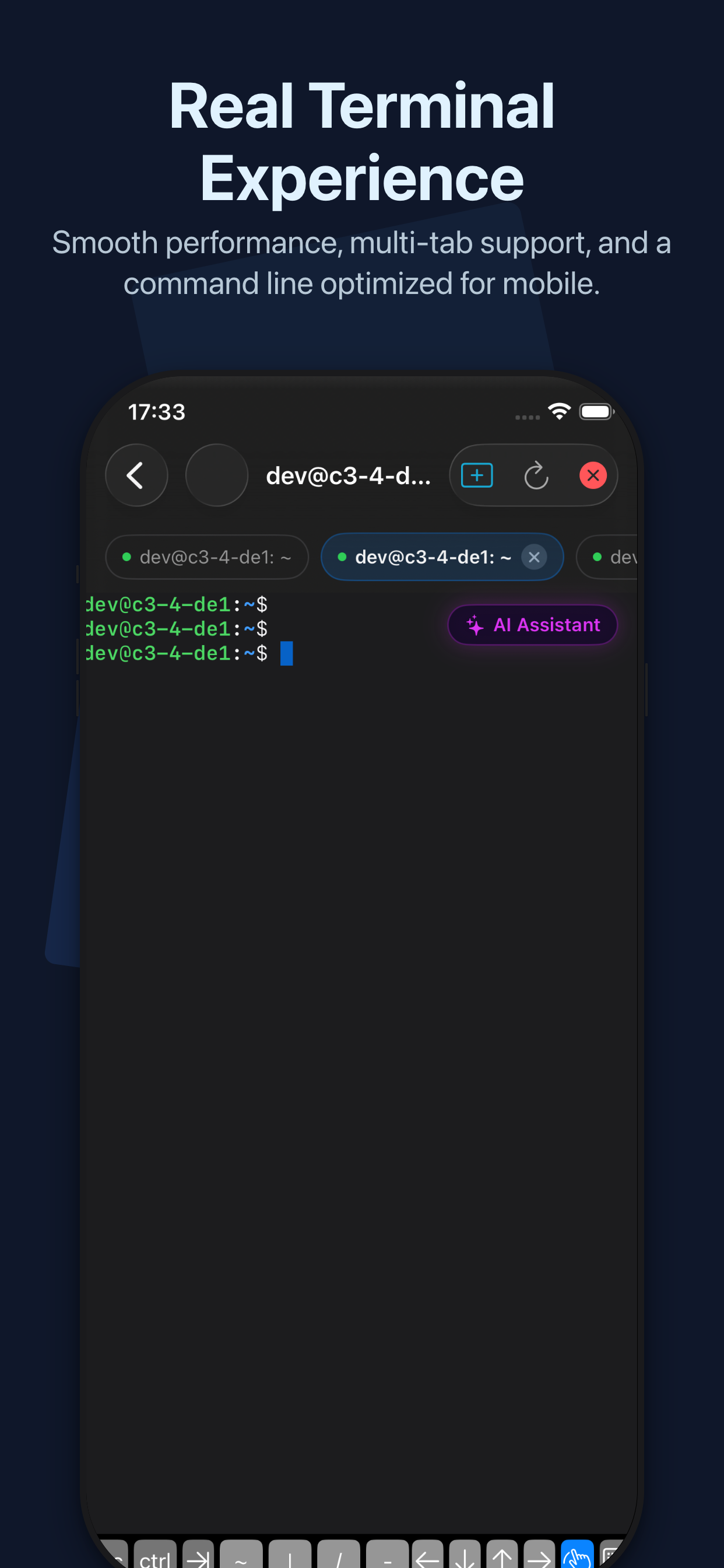 Terminal
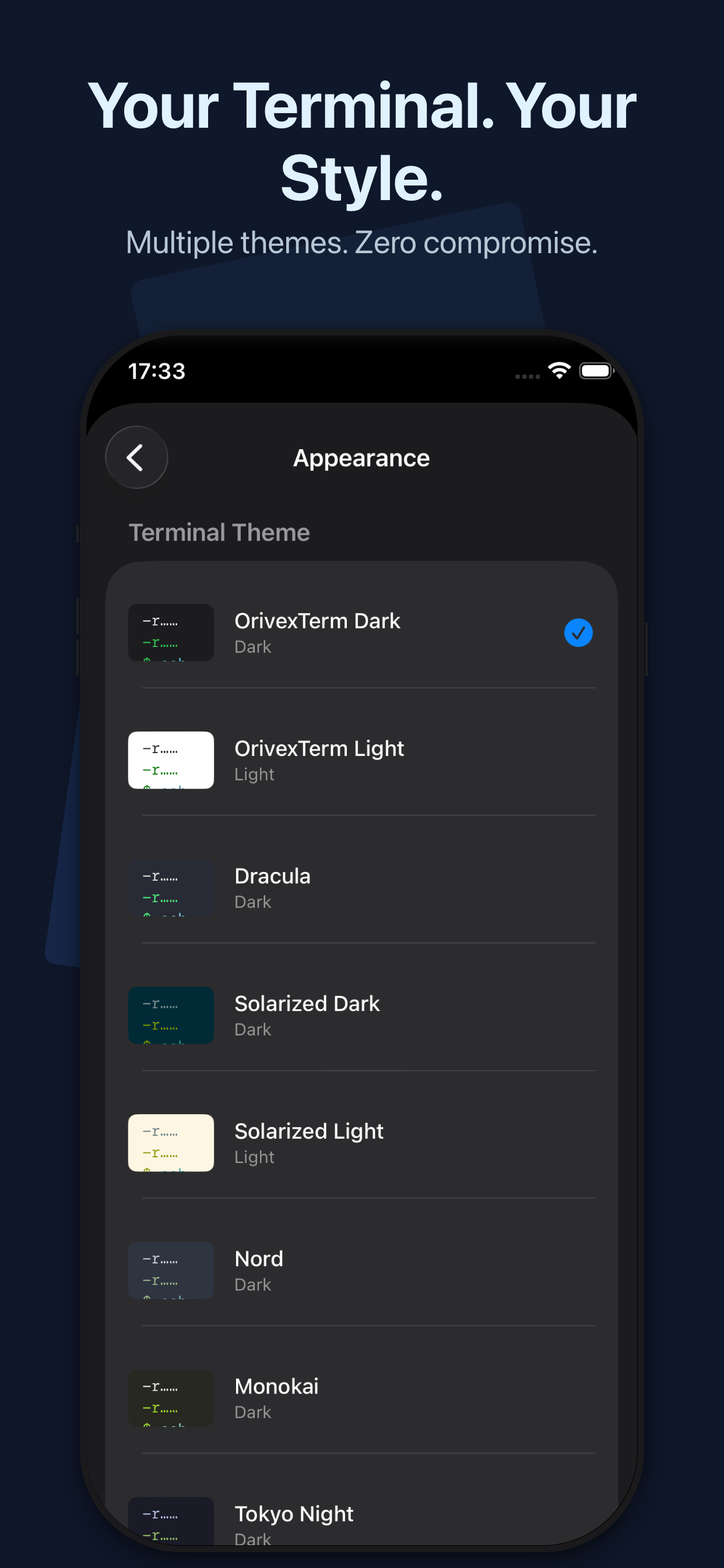 Themes
Features
Secure, fast, and built for mobile workflows.
Password and private key authentication. Connect to any server with confidence.
Import and use .pem, .key, and .pub files for seamless key-based authentication.
Save your servers and connect with a single tap. No repeated configuration needed.
Open multiple sessions simultaneously. Switch between servers with tabs.
Customizable themes with light and dark modes. Make your terminal feel like home.
Credentials stored securely on device. Your data never leaves your phone.
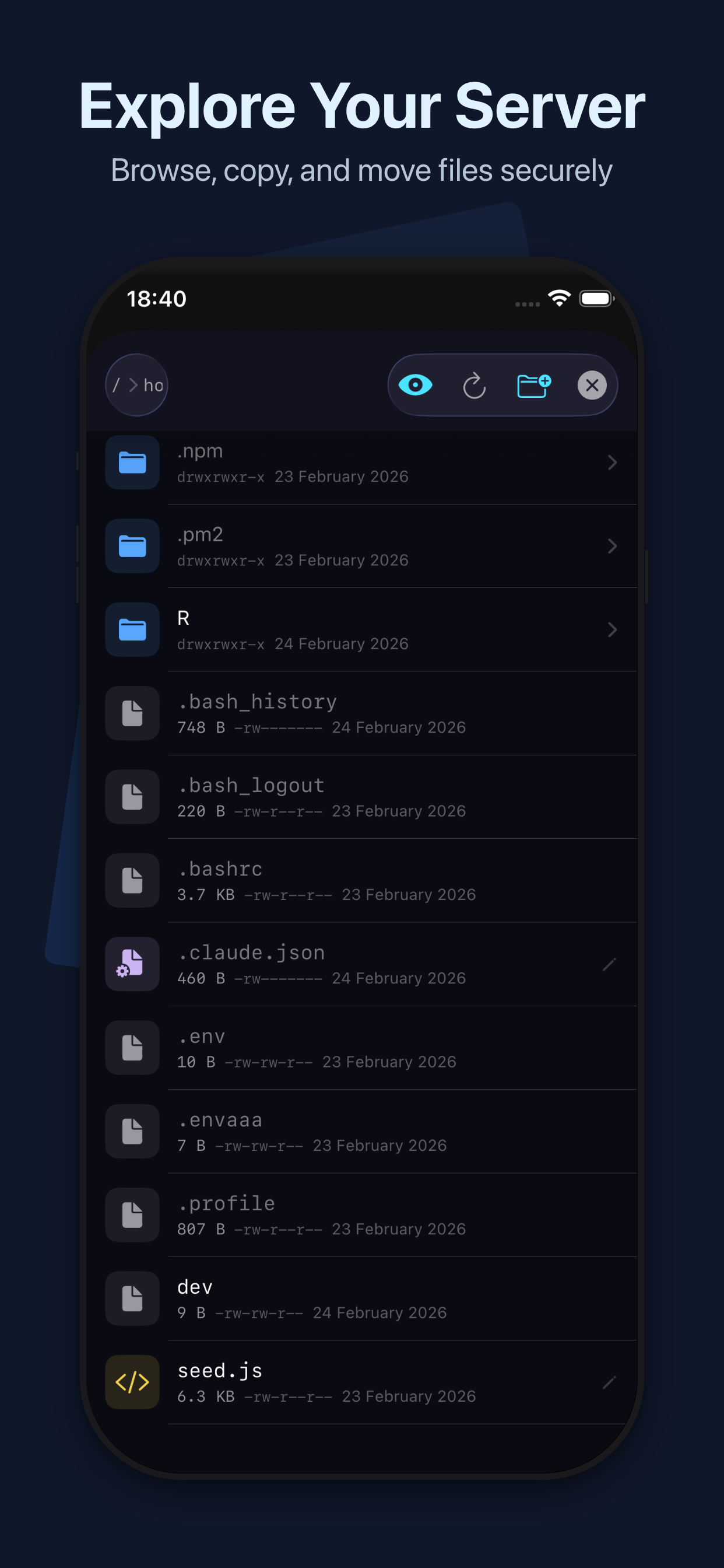
File Explorer
Manage your server files directly from the terminal — no extra apps needed.
Navigate your remote file system with an intuitive visual interface.
Open and edit text, config, and script files directly on the server.
Create folders, rename and delete files. Full control over your server.
File types are color-coded — scripts, configs, archives, images and more.
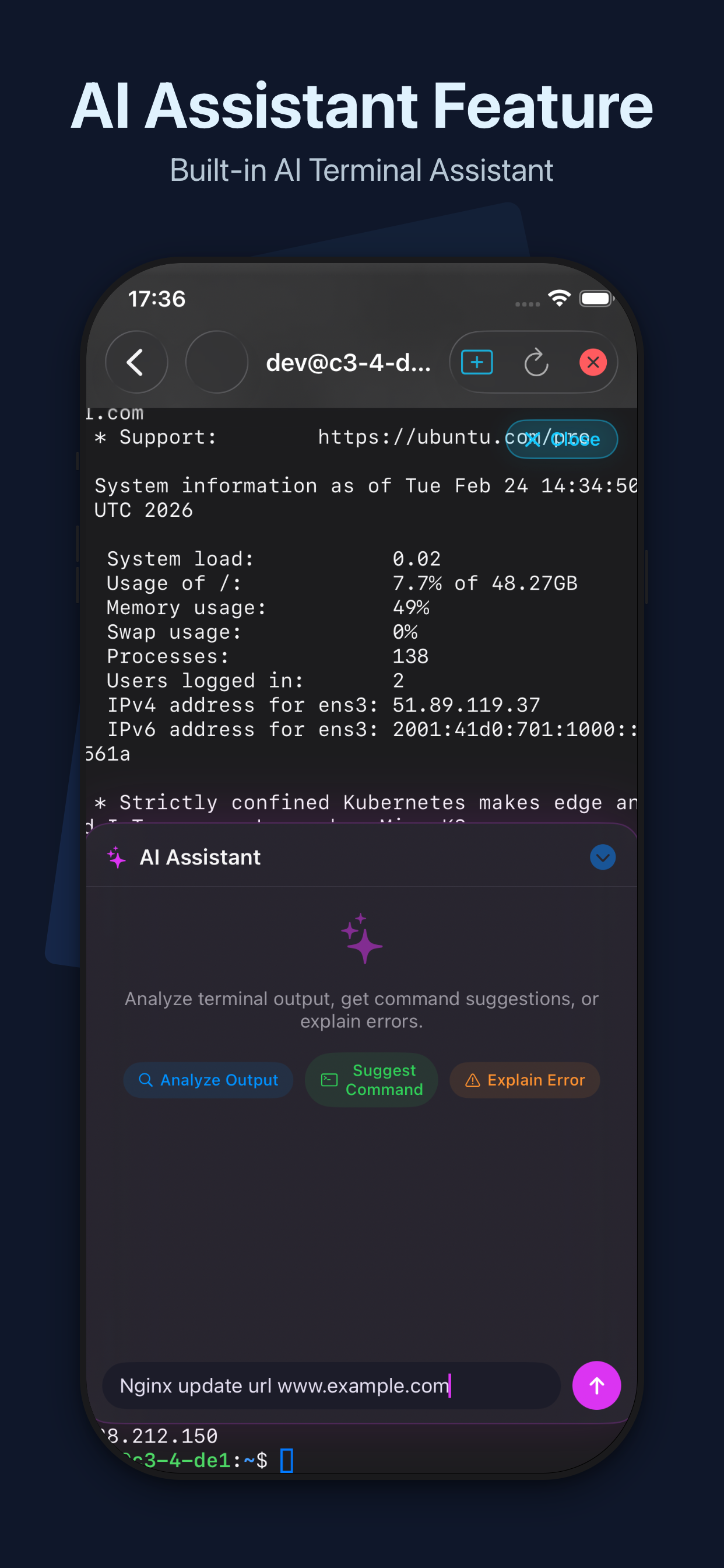
AI Assistant
Bring your own API key from any supported provider.
Don't understand an error? Let AI break it down for you.
Describe what you need, get the right command instantly.
AI reads your terminal output and identifies issues.
Work faster with intelligent assistance at your fingertips.
Privacy & Security
Your data stays on your device. No tracking, no shared credentials.
SSH keys and passwords are never shared or uploaded to any server.
API keys and credentials stored securely on your device only.
No background server connections. Sessions only active when you use them.
Everything stays local. Delete anytime. No accounts required.